Activity
The Activity tab is your real-time view of everything happening across your workspace.
Think of it as a centralized feed where you can quickly track updates, review recent actions, and stay in sync without jumping between tabs. Whether it’s changes to transactions, documents, or workflows, the Activity tab surfaces what matters most - right when it happens.
By bringing all activity into one place, it helps you stay organized, maintain visibility, and keep things moving without missing important updates.
Accessing the Activity Tab
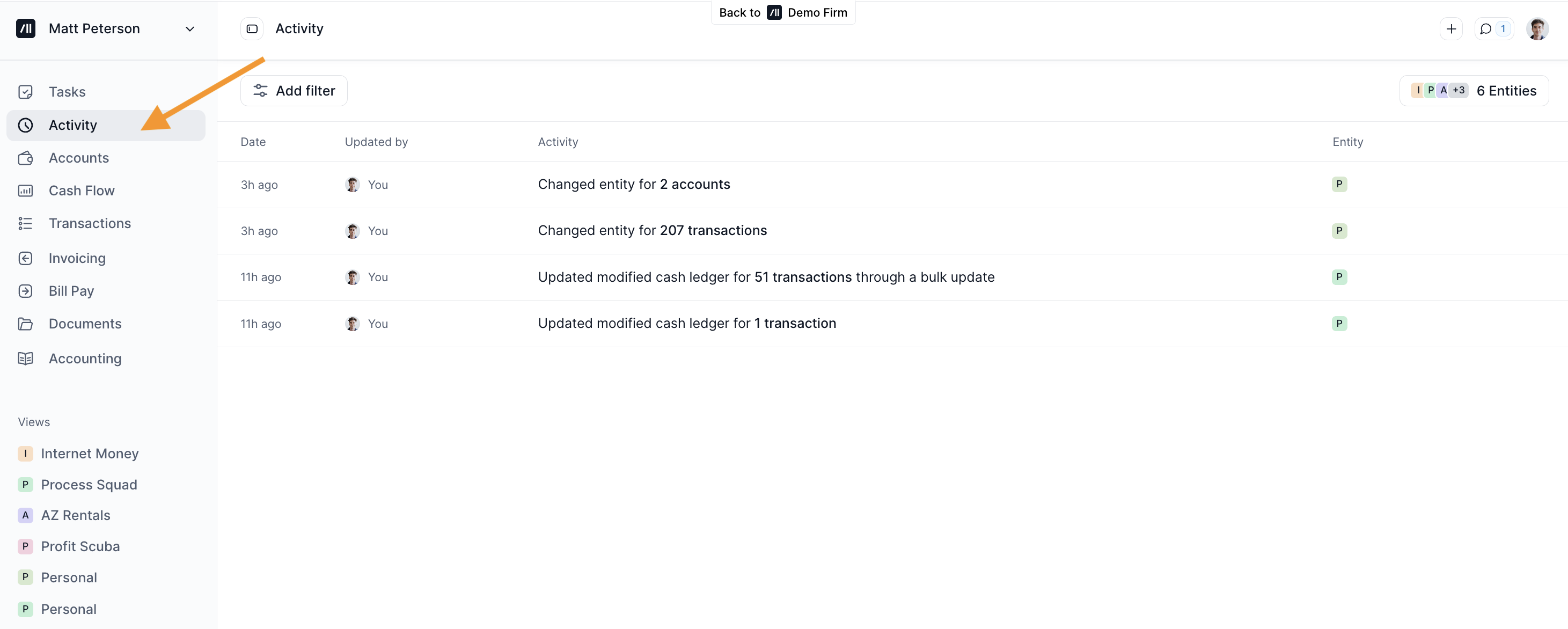
To open the Activity tab, click Activity from the left sidebar menu or go here: https://use.kick.co/activity
Filtering Activity
Once you're in the Activity tab, you'll see a running list of all actions across your account.
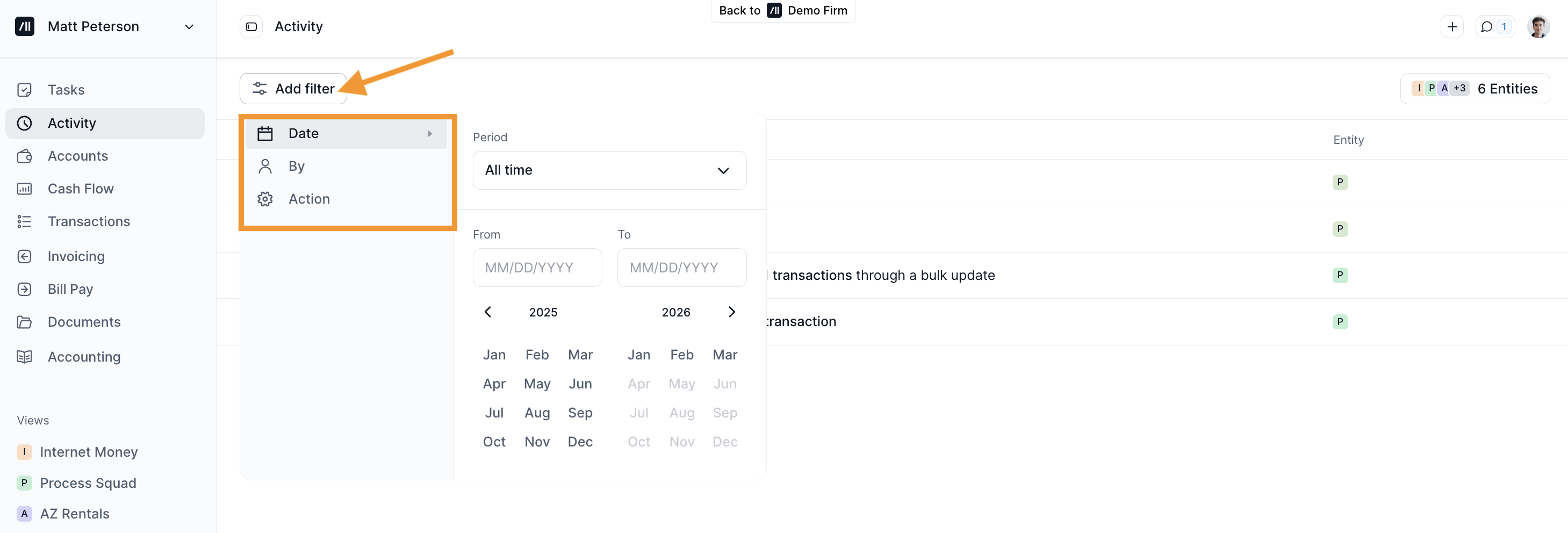
To narrow down what you’re looking for, you can apply filters by date, user, or action type. Simply click the Filter button and select the criteria that match your needs.
Viewing Activity Details
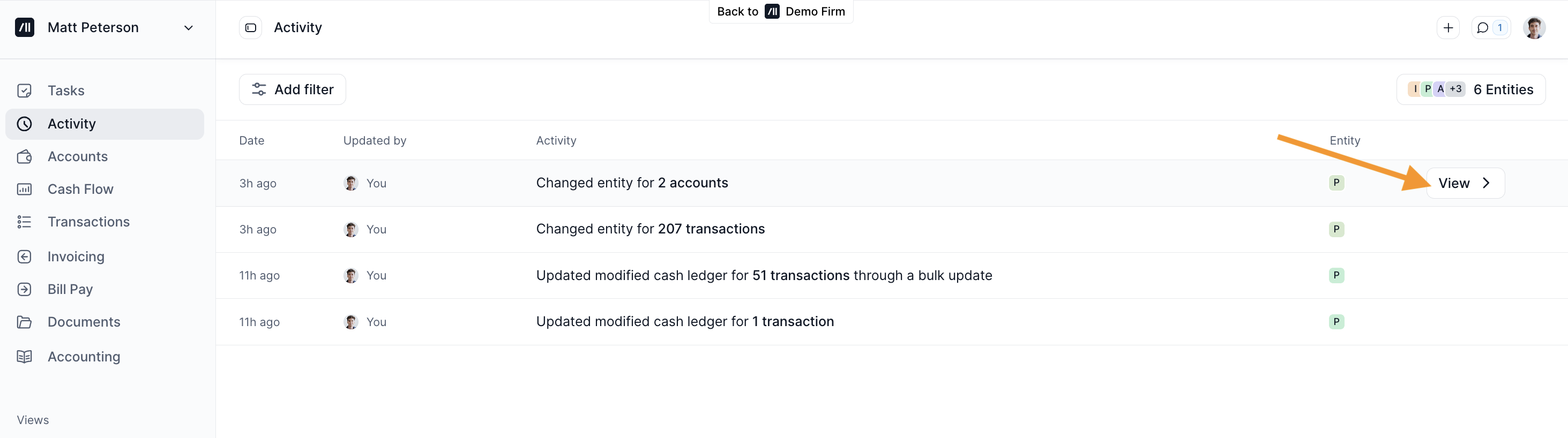
To see more information about a specific activity, hover over the entry and click View.